A distributor with one warehouse and ten reps is very different from one with twenty warehouses, a hundred vans and ten branches. But the first can become the second within years. Do you choose a small system and replace it as you grow, or a big one you pay for before you need it? Modular ERP offers a third way.
What is a modular ERP?
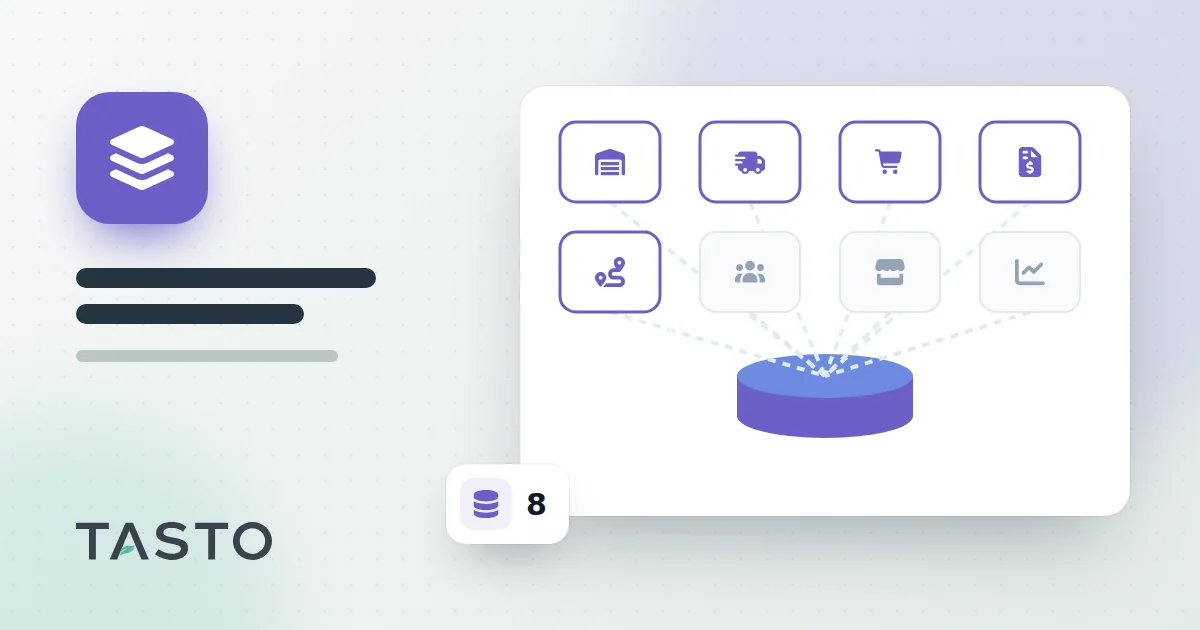
A system made of apps with distinct functions, such as warehousing, sales, accounting and fleet, all running on one database. You start with what you need today, and when you need a new app you switch it on and it works immediately on the same clients, items and balances.
Disconnected programs
- Each program has its own database
- Clients are entered in several places
- Integration is a separate project that breaks
- Reports never agree
Modular ERP
- One database for every app
- Clients and items are entered once
- A new app works immediately on the same data
- One number in every report
A typical growth path
- 1
Phase one: the foundation
Warehousing, sales and accounting. Items, clients, balances and e-invoicing are set up here.
- 2
Phase two: the street
The van-sales app, fleet and vehicle custody, once field selling is a large share of sales.
- 3
Phase three: buying and importing
Procurement and landed cost as suppliers and shipments grow.
- 4
Phase four: channels
The B2B portal and POS as new branches or sales channels open.
- 5
Phase five: decisions
Executive reports and AI agents once enough data has accumulated.
How to choose the starting apps
- Start with what causes the biggest loss or risk today: stock gaps, late e-invoices or rep custody.
- Choose what builds the data later apps need: items, clients and balances.
- Do not start with advanced reporting before you trust the data it is built on.
Scaling warehouses and branches
Growth is not only new apps but more warehouses, branches and users. The right system adds a warehouse or branch as a setting, not a project: stock per warehouse, transfers between them, permissions that show each manager only their region, and reports that combine or split branches.
If you are evaluating systems now, read 12 questions to ask before you sign, especially the one about starting small and growing.
Eight apps on one databaseStart with the apps your company needs most and switch on the rest as you grow, with no migration.