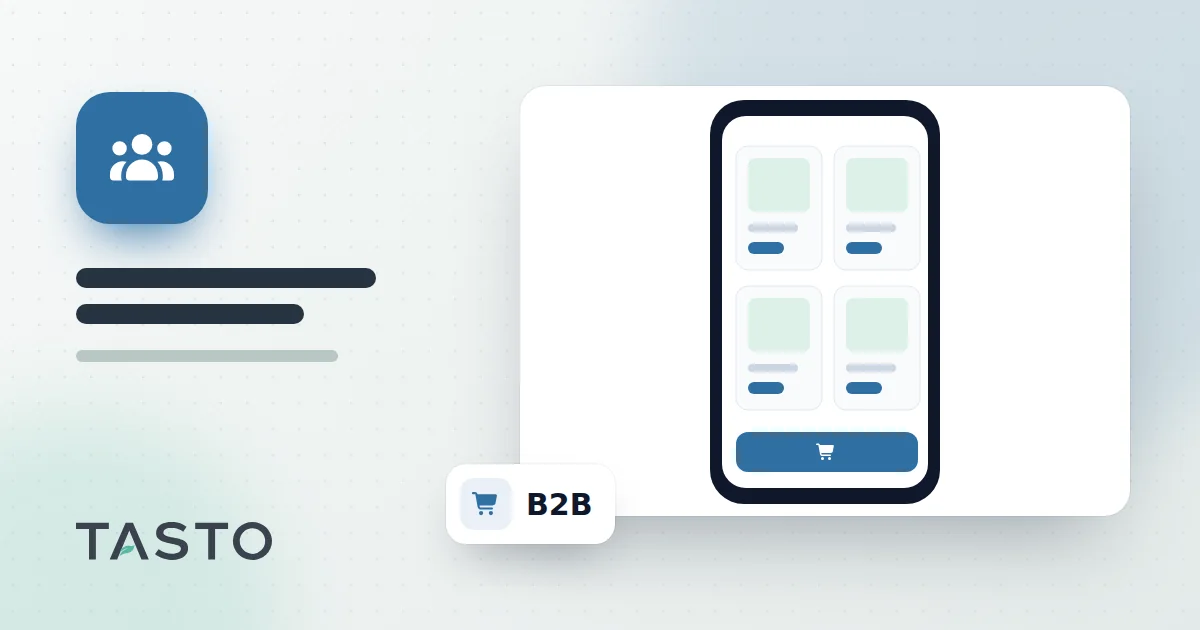
In wholesale, the day starts with a flood of calls, voice notes and photos of handwritten lists. Customer service types them in, calls back about an unclear item, then finds the price changed or the client is over their limit. A B2B portal moves this work to where it belongs: the trader orders directly, and the system applies the rules.
What the trader sees on the portal
- A catalog at their own prices, with their offers and volume bonuses.
- Available stock, or the expected availability date.
- Credit limit and available credit before sending the order.
- One-click reorder of the usual basket, with the cut-off for tomorrow's delivery.
- Statement and invoices and open checks, available any time.
- Order status from receipt to delivery.
Phone versus portal
Orders by phone and message
- Written twice: by the client, then at the office
- Item and quantity errors
- Prices and credit checked by hand
- Customer service busy transcribing
Orders on the portal
- Written once by the trader
- Items from a defined catalog
- Prices and credit applied automatically
- The team focuses on follow-up and selling
Multi-branch clients
Restaurant, hotel and pharmacy chains order from several branches, each with its own delivery address and buyer. A good portal supports sub-accounts with different permissions: the branch buyer orders only, the accountant reviews statements and invoices, and head office sees all branches. See the HORECA case on the industry page.
Steps to launch the portal
- 1
Clean up price lists
Every client or client group on a clear price list, with offers and volume bonuses.
- 2
Pick pilot clients
Start with regular clients willing to try it, and gather their feedback.
- 3
Set order cut-offs
A cut-off for tomorrow's deliveries so picking and routing can be planned.
- 4
Connect reps to the portal
Reps see their clients' portal orders and follow up anyone who has not ordered on time.
- 5
Expand gradually
Move the remaining clients step by step, with simple incentives for ordering online.
The portal is also a collection tool: when traders see their invoices and open checks clearly, disputes drop and payment speeds up. Read more in post-dated checks and credit control.
B2B Customer Portal on TASTOOnline ordering at each trader's prices, one-click reorder, and live statements and invoices.