Every distribution sales manager knows the question: "Did the rep actually visit the client?". Paper reports do not answer it, and calling the client is awkward and cannot be repeated daily. That is where geofenced visit confirmation comes in.
What is a geofence?
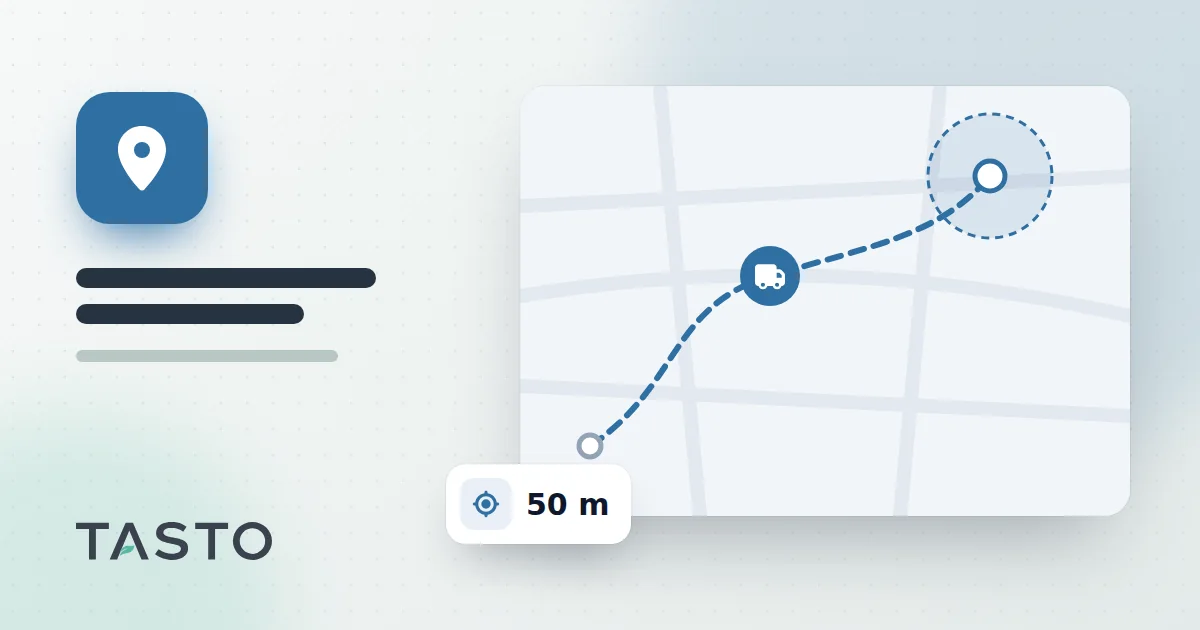
A geofence is a virtual circle around each client's location on the map, with a set radius such as 50 meters. When the rep's phone enters the circle, the system records the arrival and time. When it leaves, it records departure and visit length. Most importantly, the invoice and collection screen opens only inside the circle.
Route tracking alone is not enough
Route tracking
- Shows the van's path on a map
- Does not tie the path to a specific client
- Reviewing it is tedious and happens too late
Geofenced visit confirmation
- Ties each visit to a client, time and duration
- Invoices and collections are bound to location
- Exceptions show live on the dashboard
How it works in a rep's day
- 1
Set client locations
Each client's location is captured once, from a past visit or the map, and approved by a supervisor.
- 2
Visit plan
The rep sees today's clients in suggested order on the map.
- 3
Arrival
Entering the client zone records arrival and unlocks sales and collection.
- 4
Sale and collection
The invoice and receipt carry location and time, so they cannot be issued elsewhere.
- 5
Live follow-up
The manager sees every van on the map with verified and missed visits.
What if a client moved or the location is wrong?
Real cases happen: a client changed premises, a location was captured wrongly, or the signal is weak in a crowded area. The system should let the rep request an exception with a reason, approved by the supervisor, with the location updated after checking. What matters is that the exception is recorded and visible, not a silent side door.
What visit data reveals
- Verified visits as a share of planned visits per rep and route.
- Average visit length, and clients who take longer without sales.
- Routes with recurring missed visits, which need restructuring.
- The relationship between visit count and sales value per client.
This data is the basis of route planning, and the route planning agent can use it to sequence tomorrow's visits and load vans. For the full picture, read the van sales and custody guide.
Fleet & Van Custody on TASTOA live map, geofenced visit confirmation, and invoices and collections bound to the client's zone.