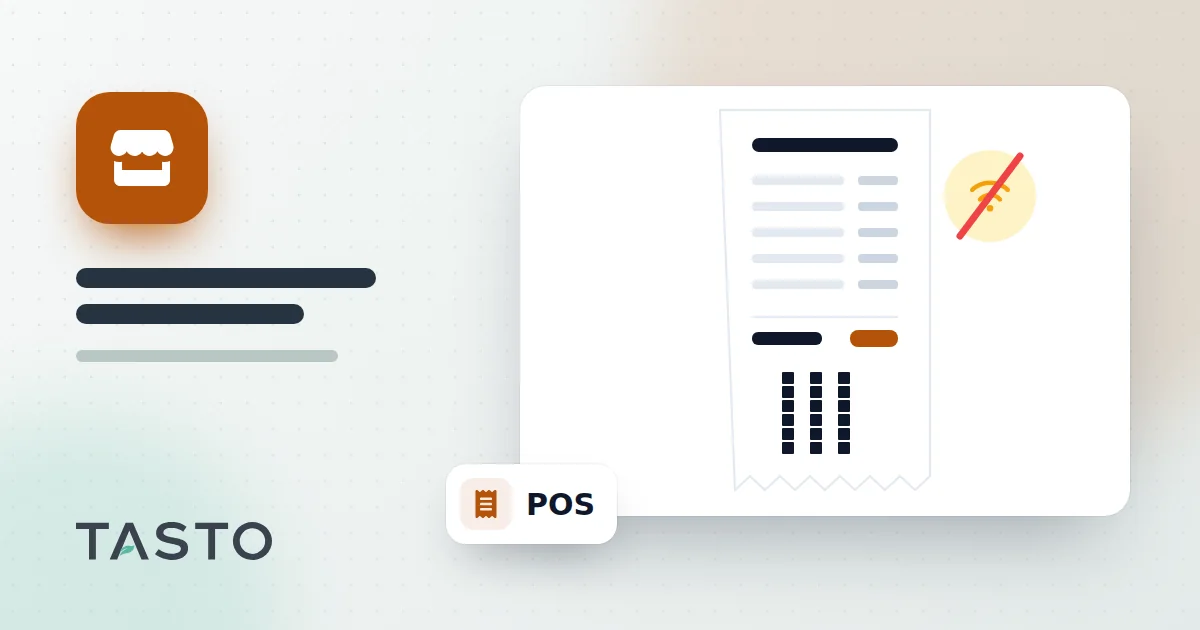
In a busy supermarket on a Thursday evening, a few minutes without internet can mean a long queue and customers abandoning baskets. With e-receipts mandatory, the question is sharper: how do we keep selling and stay compliant? The answer lies in the design of the POS itself.
How offline issuing works
- 1
Sales continue
When the connection drops, the POS switches to local operation without the cashier or customer noticing.
- 2
Correct sequence
Each receipt gets its number in the required sequence, is signed and stored locally.
- 3
Printed for the customer
The customer gets the receipt immediately as usual.
- 4
Automatic upload
When the connection returns, stored receipts upload in order with no action from the cashier.
- 5
Status follow-up
Any receipt not uploaded or rejected shows on the management dashboard for immediate action.
What makes checkout fast
- Scale barcode reading for produce, meat and cheese with weight and price built in.
- Automatic offers such as buy 2 get 1, with no mental math for the cashier.
- Split payments on one receipt: cash and card.
- Permissioned discounts: any manual discount beyond the cashier's limit needs the branch manager.
- Central prices: price and offer updates from head office for all branches or one branch.
Blind shift close
Traditional close
- The cashier sees the expected amount
- Tends to match the number
- Small gaps disappear
Blind close
- The cashier counts and enters without seeing the expected amount
- The system compares and shows the gap
- Gaps are logged by shift and cashier
The branch is part of the supply chain
When every branch sale is recorded live on the same system, the main warehouse knows what each branch needs before it runs out. Min and max levels per item per branch generate replenishment automatically instead of waiting for the branch manager's call.
Watching for unusual behaviour
Some POS fraud patterns recur: voiding items after payment, many cash refunds, or opening the drawer without a sale. Tracking these patterns per cashier and shift exposes problems early, and an AI agent can raise the alert to the manager.
POS & Branch Retail on TASTOFast checkout that issues e-receipts even offline, blind shift close, and live branch replenishment.