Offers and bonuses are powerful selling tools in distribution, and also the fastest way to erode margin unnoticed. An offer extended by a week, a bonus applied to a client who does not qualify, a discount stacked on another offer. Each is small; together they are large.
Compute the bonus as a real discount
| Offer | What the client gets | Effective discount on value |
|---|---|---|
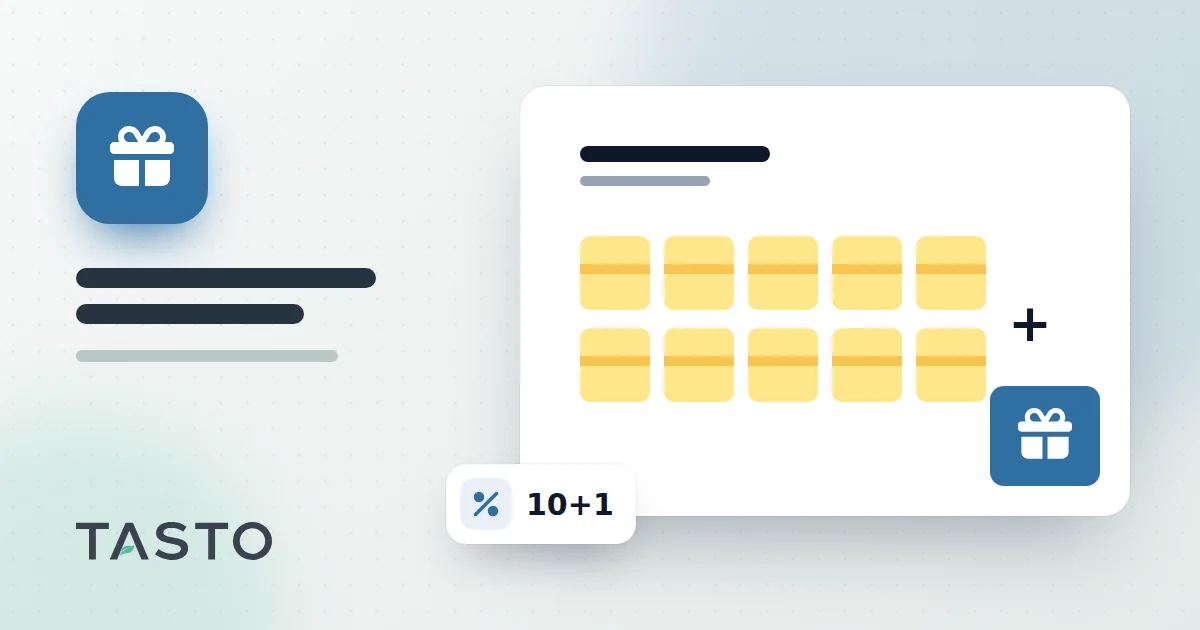
| 10+1 | 11 cartons for the price of 10 | 9.1% |
| 5+1 | 6 cartons for the price of 5 | 16.7% |
| 3+1 | 4 cartons for the price of 3 | 25% |
| 10% off | Same quantity at a lower price | 10% |
If your gross margin on an item is 15%, a 5+1 offer means selling those quantities at a loss. That does not mean always refusing it; it means it should be a deliberate decision with a defined goal and period.
Design the offer around a goal
- Clearing near-expiry stock: a time-limited bonus on items flagged by expiry alerts, as in FEFO vs FIFO.
- Growing order size: a bonus starting above the client's average order, not from any quantity.
- Winning new clients: an offer on the first order only, not repeated.
- Monthly or yearly targets: a discount earned on reaching the target, not on every invoice.
Rules the system applies
- 1
Define the offer and its conditions
Items, clients or groups, minimum quantity, start and end dates.
- 2
Automatic application
When conditions are met on an invoice, the bonus or discount is added automatically, at the office or in the rep's app.
- 3
Prevent unintended stacking
Decide whether the offer can combine with another discount.
- 4
Manual discount limits
Any discount outside defined offers needs approval by role.
- 5
Stop at the end date
The offer ends on time automatically, without relying on anyone's memory.
Measure the offer after it ends
What is usually measured
- Sales during the offer
- Cartons sold
What should be measured
- Margin during and after the offer
- Whether sales dipped afterwards (client stockpiling)
- Items or clients that benefited with no purpose